
Simple document and PDF generation with HubSpot

Generate personalized documents from word templates for HubSpot contacts, companies, deals, tickets and custom objects in minutes.

197,000+

Documents processed

~ 1 minute

To process 100 documents

1,100+

Installations

Create personalized documents

Easily create personalized documents from word templates.

Start by adding HubSpot object properties to your document. Then, upload your Word template to PDF CreateMate. Whether you're working in Google Docs or Microsoft Word, we simplify the process, turning your document into a custom document effortlessly.

Now supporting both standard and custom objects: Contact, Company, Deal, Ticket, and custom objects.

See how it works!

Generate documents for HubSpot Objects

Automate your process with PDF CreateMate. Use workflows to generate documents for HubSpot objects automatically or choose manual control when needed. With straightforward steps, creating documents becomes a breeze.

See how it works!
Generate documents
Access generated documents

Accessing Generated Documents

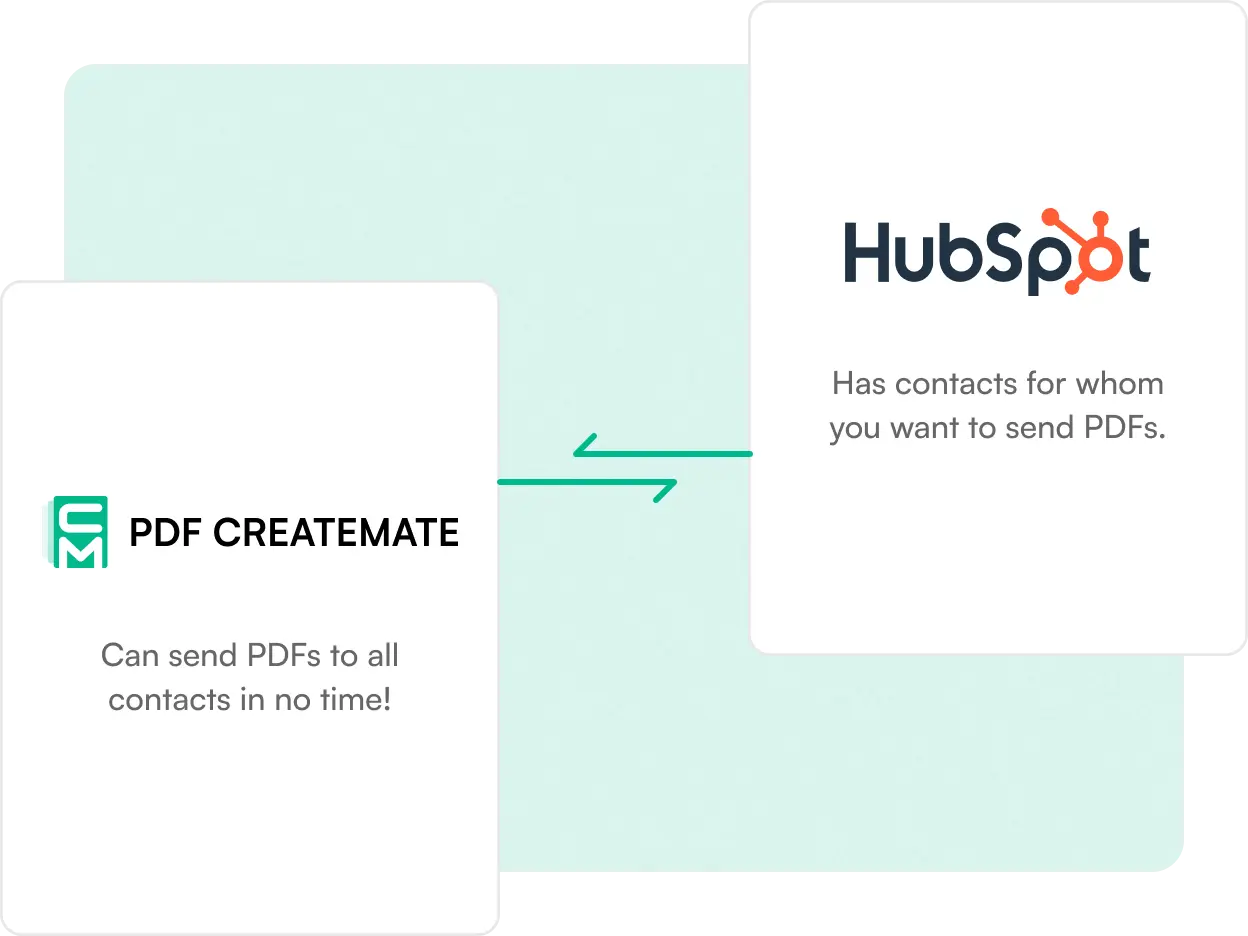
With PDF CreateMate's seamless HubSpot integration, your generated documents are stored directly within each HubSpot object. This means delivering personalized content becomes effortless, opening a world of possibilities for engaging your contacts, companies, deals, tickets and custom objects.

See how it works!

Loved by customers, All 5-star reviews. Really!

Big Next Step GmbH logo

Our Game-Changer

"Running an employee leasing company for caregivers, PDF CreateMate has been a game-changer for us. Its ability to swiftly pull information and images from our HubSpot contact objects and convert them into professional CVs is impressive. The process is fully automated and incredibly fast, producing personalized CVs in seconds."

Tim Reitz

Big Next Step GmbH

HubSpot Marketing Operations Specialist at ThinkFuel logo

WE LOOOOOVE PDF CREATEMATE

"Support? 10/10 Functionality? 10/10 Willingness to help someone with complex situations and use cases? 10/10 Everyone I have worked with on the PDF CreateMate team has been top tier, offered kindness and urgency for us in assisting with questions."

Madison Moniz

HubSpot Marketing Operations Specialist at ThinkFuel

Gillian Gonda logo

Excellent Tool - Terrific Customer Service

"We wanted to create a PDF output of a form submitted and PDF CreateMate was the ideal solution, all the design elements are maintained in a word doc with a simple copy of the HubSpot properties into the document. SO HELPFUL!"

Gillian Gonda

Sofia Ruiz logo

Perfect!

"I have been using PDF CreateMate and it has improved my productivity by 90%. It is very easy to use, you just have to upload your templates, add the properties and in seconds, the tool is working."

Sofia Ruiz

Director of Marketing at Conner & Winters LLP logo

Great support, great functionality

"We are very satisfied with PDF CreateMate, as it has allowed us to automate processes and deliver a heightened level of service to our clients. Their support is great, the reporting is great!"

Clayton Dodds

Director of Marketing at Conner & Winters LLP

Founder & CEO at Rodar PTY LTD logo

A Must-Have for Streamlining Document Generation

"I've been using PDF Create Mate in HubSpot, and it has significantly improved our workflow. The app makes it incredibly easy to generate professional-looking PDFs directly within HubSpot."

John Boctor

Founder & CEO at Rodar PTY LTD

How does PDF CreateMate work?

1. Add HubSpot properties as placeholders in your Word template.

e.g. {{firstname}} instead of the first name

2. Upload your template to PDF CreateMate.

e.g. Study Contract or Certificate

3. Trigger document generation manually OR configure triggers in a pre-created workflow.

e.g. Status is closed

4. Sit back and let PDF CreateMate automatically generate documents and sync them to your HubSpot object records.

e.g. the automated import of contact data into the contract as soon as the deal status is "closed".

Simple tool, simple pricing-of course.

Pay as you go. No subscriptions. No monthly fees.

Display currency:

Trial

Free

Test before you buy

  • Up to 100 documents with watermark
  • Full Feature Access
  • No Credit Expiration
  • Unlimited users
  • No Credit Card Required
  • Free setup support
  • Email + Chat Support
  • Screenshare / Video Call support
Start Free Trial

Standard

€1.00 /100 Credits

Currency Conversion Notice

We charge in EUR (€). USD prices are estimates based on the rate of Apr 07, 2026 (1 EUR = 1.1557 USD).

Top up 1,000 to 49,999 credits

Everything in Trial, plus:

  • Pay as you go
  • No watermark
Get Started
Most popular

Volume

€0.75 /100 Credits

Currency Conversion Notice

We charge in EUR (€). USD prices are estimates based on the rate of Apr 07, 2026 (1 EUR = 1.1557 USD).

Top up 50,000+ credits

Everything in Standard, plus:

  • 25% volume discount
  • Priority Support
Get Started

Enterprise

Custom

For massive volume

Everything in Volume, plus:

  • Queue priority
  • Custom pricing
  • Dedicated account manager
Contact us

Calculate your cost per document

Configure your template settings to see the credit cost

Volume discount

Volume Discount

Get 25% off when you top up 50,000 or more credits at once.

Pages First 2 included
Included
Placeholders First 10 included
Included

Cost per document

credits

Credits Price
Base cost
Cloud sync
+10
Private document
+3
Attach to record
+3
Line items
+20
Volume discount
-25%
Total

Frequently Asked Questions

If you can't find what you're looking for, email our support team at support@pdf-createmate.de.

    • Is PDF CreateMate worth it for me?

      The service generates PDFs for standard documents by automatically inserting properties from Contacts, Companies, Deals, Tickets, and custom objects. It's particularly useful for creating large volumes of documents or integrating them into automated workflows.

    • How much does it cost?

      You can try PDF CreateMate for free with 100 documents. After that, you can purchase additional credits starting at €0.01 per credit.

    • How much does a document cost?

      1 PDF without a signature costs 100 credits. 1 PDF with one signature costs 300 credits. 1 PDF with two signatures costs 400 credits.

    • Do my credits expire?

      No, once purchased, credits never expire.

    • Why do I need to edit the template before uploading?

      The HubSpot properties must be inserted in the .DOCX file before uploading, as subsequent editing in PDF CreateMate is not possible.

    • What are storage properties?

      These are HubSpot properties where generated documents are saved for later retrieval. You must manually create them in HubSpot settings as 'File' type fields, with one per template.

    • How do I create a new storage property?

      Navigate to HubSpot settings → properties → create property, then select 'File' as the field type. Create a separate property for each template.

    • What properties can I use?

      Properties from Contacts, Companies, Deals, Tickets, and custom objects are supported.

    • What do I need to do after uploading the template?

      Choose a save property, rename the template if needed, then create a workflow by selecting a trigger to determine when documents generate.

    • How can I access generated documents?

      Access them in HubSpot under your storage property or view all generated files within PDF CreateMate by clicking the template icon.

    • For which contacts are documents generated?

      Documents generate for contacts included in the workflow via your selected trigger, or manually added contacts.

    • I can't upload my template. What should I do?

      Ensure it's a .DOCX file; if problems persist, contact support at support@pdf-createmate.de.