


Templates
Number Formats
PDF CreateMate supports a limited set of numeric formatters. Formatting is applied via placeholder modifiers. A locale picker appears in the builder, but locale-based formatting currently applies only to currency and percent.
Available Numeric Formatters
Currency
Formats using the selected currency code (defaults to EUR) and your app locale.
- Input:
1234.5withcurrency:USD(locale en) → Output:$1,234.50
Percent
Displays decimal values as percentages.
- Input:
0.25→ Output:25%
Ordinal
Adds ordinal suffixes based on locale (fallback to English).
- Input:
3→ Output:3rd
Phone
Attempts international phone formatting using your app locale; falls back to basic cleanup.
- Input:
5551234567→ Output:(555) 123-4567
Adding Currency Symbols
Examples
| Template Placeholder | Property Value | Output |
|---|---|---|
{{ amount | currency:'EUR' }} |
1500 | €1,500.00 (locale-dependent) |
{{ amount | percent }} |
0.25 | 25% |
{{ rank | ordinal }} |
3 | 3rd |
{{ phone | phone }} |
+14155551212 | +1 415-555-1212 (locale-dependent) |
Decimal Places
You can control the number of decimal places directly in the placeholder:
{{ amount | decimals:2 }}→ fixed decimals, no thousands separator (e.g.52726.15){{ amount | number:en-GB:2 }}→ fixed decimals with thousands grouping (e.g.52,726.15){{ rate | percent:2 }}→ percentage with fixed decimals (e.g.0.5677→56.77%)
The number after the last colon sets the decimal places (:0, :1, :2, …). Without it, the value's own precision is kept. Currency always uses standard monetary precision.
Configuring Number Formats
- Add a formatter to the placeholder in your template, for example:
{{amount | currency:USD}}{{discount | percent}}{{rank | ordinal}}
- Save your template and generate a test document to verify the output.
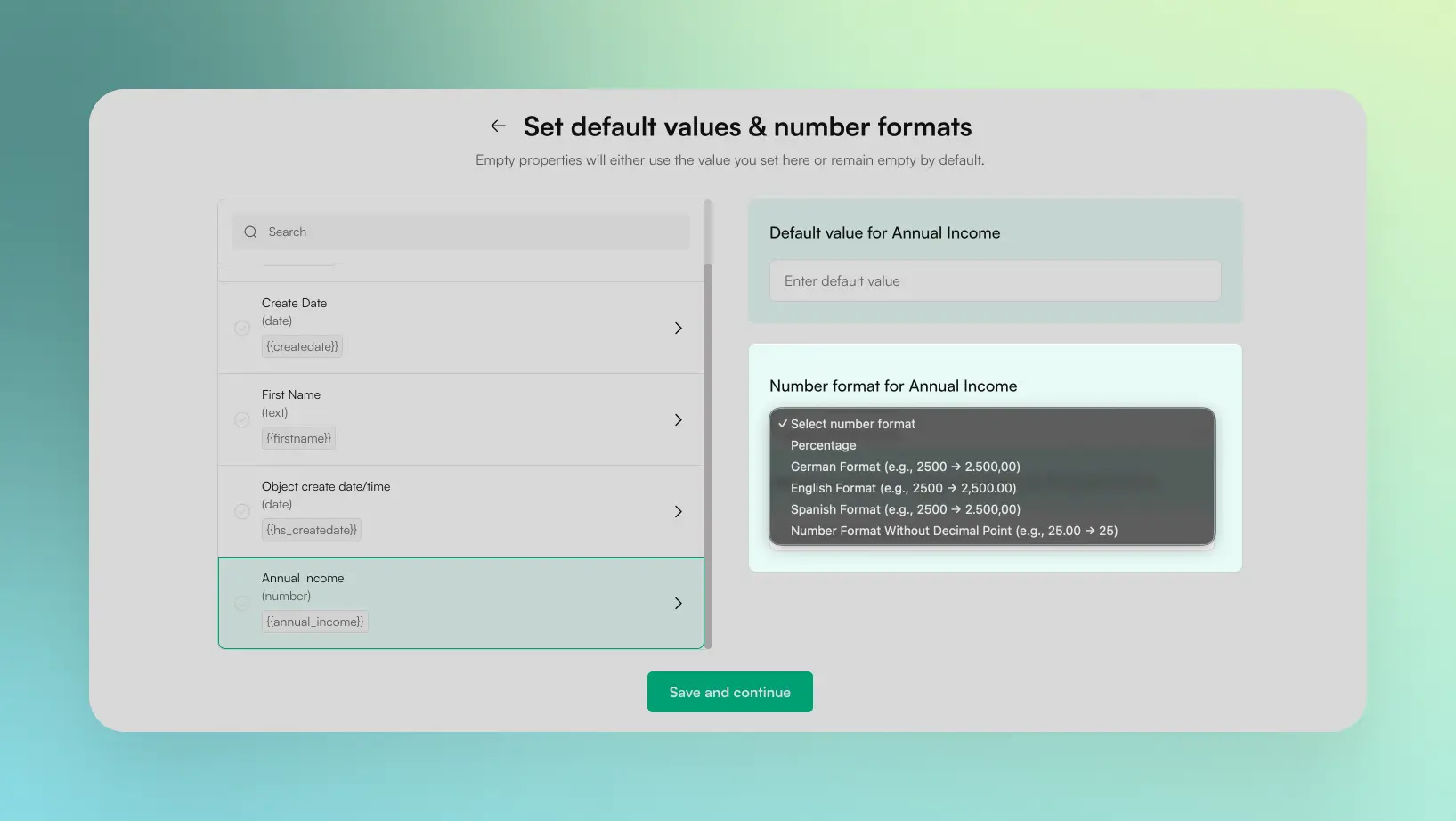
Image description
Available formatters include None, Currency, Ordinal (1st), Percent, Phone, and Decimals.
A locale dropdown allows selecting regional number formats (e.g., Germany, United States, United Kingdom),
which control the thousands separator and decimal symbol used in formatting.
currency and percent formatters. Plain numbers are not reformatted by locale during generation.